Service Booking Software for Salons, Spas and Clinics
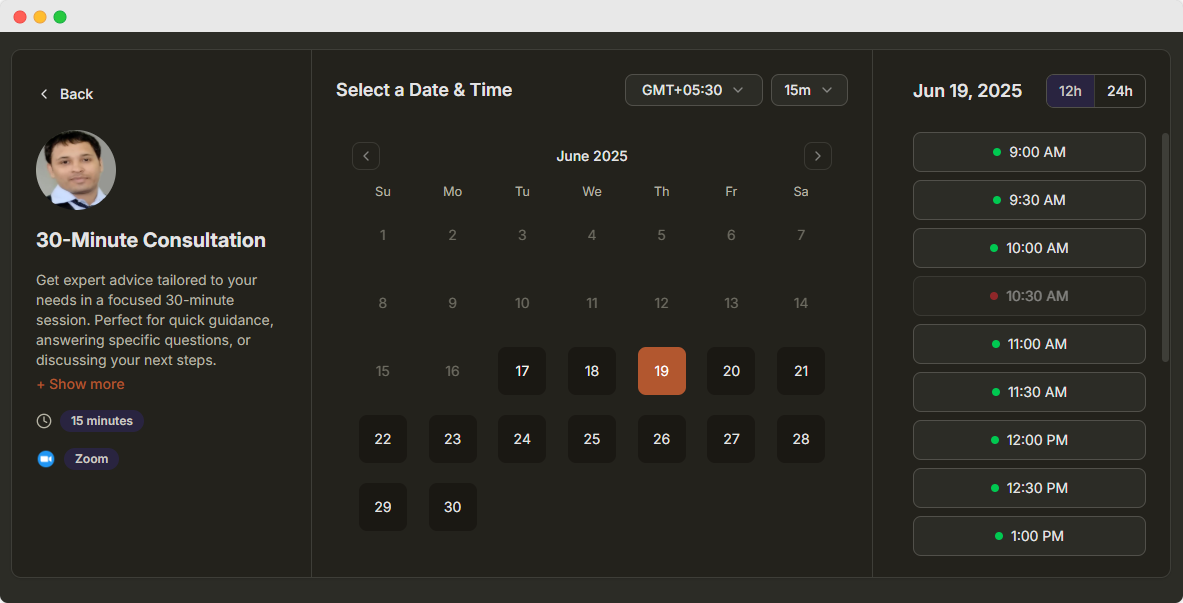
Turn one booking link into a full service menu. Customers pick a service, choose a staff member and a time, and pay online.
- Categories, prices and durations
- Pick a staff member or any available
- Online payments
Customer rated
25,000+ Happy customers worldwide

4.8 out of 5

4.7 out of 5

4.7 out of 5
What Is Service Booking Software?
Service booking software lets customers choose from your menu of services, pick a staff member and a time, and book online. Each service can have its own prices, durations and team members.
- 1
Build your service menu
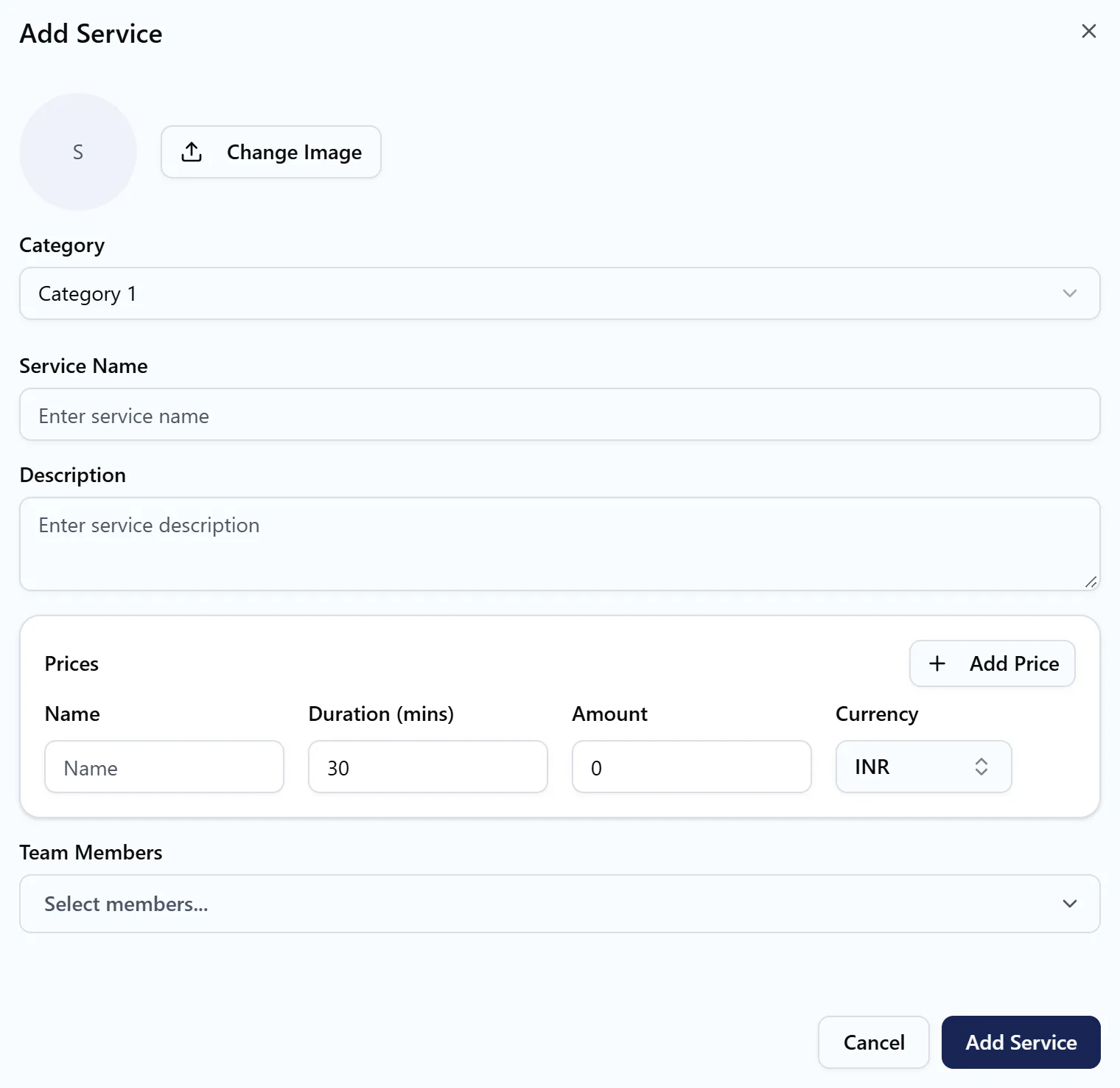
Add categories such as Hair or Nails, then services with prices and durations.
- 2
Assign your staff
Choose who performs each service. Availability comes from their schedules and calendars.
- 3
Customers book online
Customers pick a service, a staff member or any available, then a time, and pay.
Everything a service business needs to take bookings
One link replaces your price list and phone line. Customers see what you offer, what it costs and who is free.
A full service menu
Group services into categories such as Hair or Nails, each with its own name and description, on a single booking link.
Prices and durations per option
Give one service several options, like a 30 minute short hair cut and a 60 minute long hair cut, each with its own price.
Staff choice or any available
Assign team members to each service. Customers pick a person, or choose Any Available Staff to see every free time.
Availability from your team
Times come from each staff member’s default schedule and connected calendar, so customers only see when someone is free.
Pay when booking
Connect a payment gateway and the customer pays the price of the service they picked when they book.
Booking rules that fit
Control how far ahead customers can book, slot intervals, breaks between appointments and minimum notice.
Who uses service booking
Any business that sells appointments from a menu of services, with different prices, lengths and staff for each one.
- Hair salons and barbers
- Spas and massage therapy
- Nail and beauty studios
- Clinics and therapists
- Repair shops
- Pet groomers
Take Service Bookings With the API and AI
Book services from your own app, or let an AI assistant handle front desk changes for you.
Scheduling API
Book a specific service from your own app or website by passing the service menu and the service ID.
const headers = {
  Authorization: 'Bearer YOUR_API_KEY',
  'Content-Type': 'application/json',
};

// Book a 45-minute haircut from your service menu
const booking = await fetch('https://api.dayschedule.com/v1/bookings', {
  method: 'POST',
  headers,
  body: JSON.stringify({
    resource: { resource_id: 1234, service_id: 56 },
    start_at: '2026-11-10T05:00:00.000Z',
    end_at: '2026-11-10T05:45:00.000Z',
    time_zone: 'Asia/Calcutta',
    host: { user_id: 5678 },
    location: { type: 'physical' },
    invitees: [{ name: 'Meera Nair', email: 'example@gmail.com' }],
  }),
}).then((res) => res.json());AI assistant
Connect DaySchedule to Claude, ChatGPT or any MCP client and manage bookings in plain language.
"Move Meera's Friday haircut to the next available slot on Saturday afternoon."
get_bookingsget_available_slotsreschedule_booking"List tomorrow's pending service visits and confirm the boiler repair for Sam Lee."
get_bookingsconfirm_bookingFrequently Asked Questions
Everything you need to know about service booking.
What is service booking software?
Can one service have different prices and durations?
Can customers choose their staff member?
How is staff availability calculated?
Can customers pay for a service when they book?
Is service booking included in the free plan?
Explore More DaySchedule Products
 36 sec
Venue Booking Software
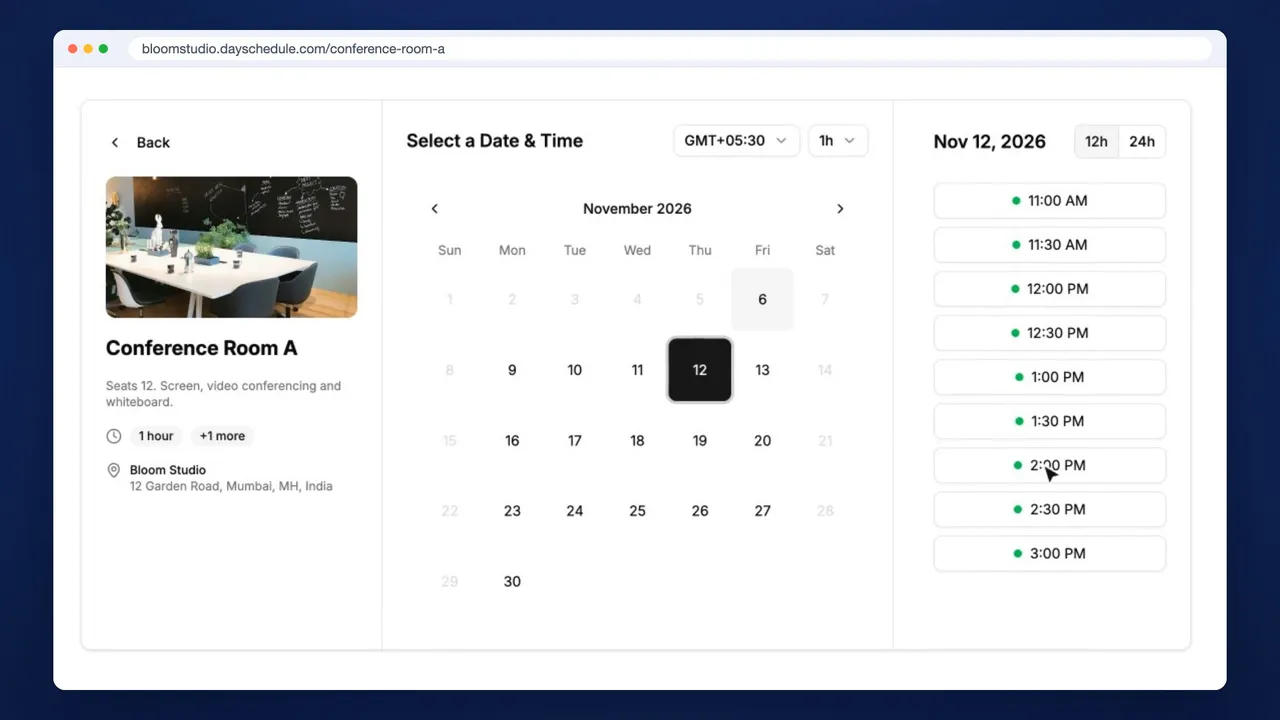
Rent out rooms, courts and studios by the hour, with opening hours that never block your own calendar.
Learn more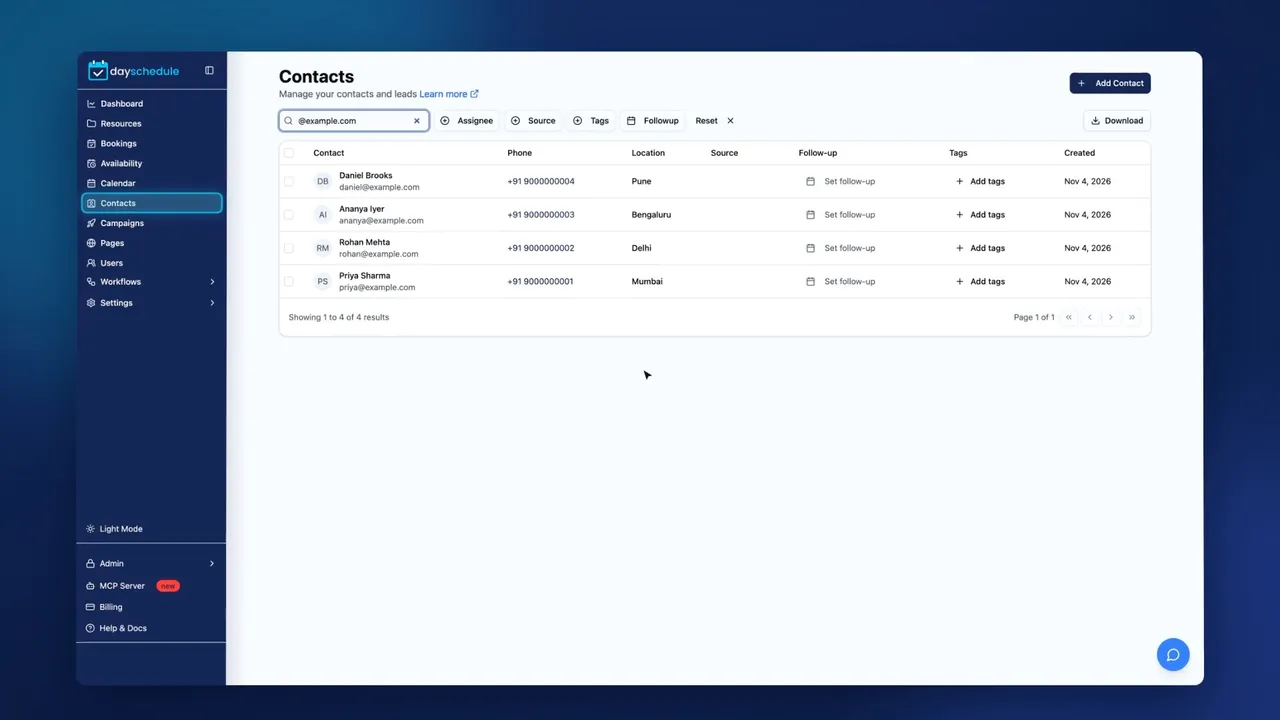 17 sec
CRM Software
Every booking creates a contact. Keep notes, follow-ups, tags and booking history in one place.
Learn more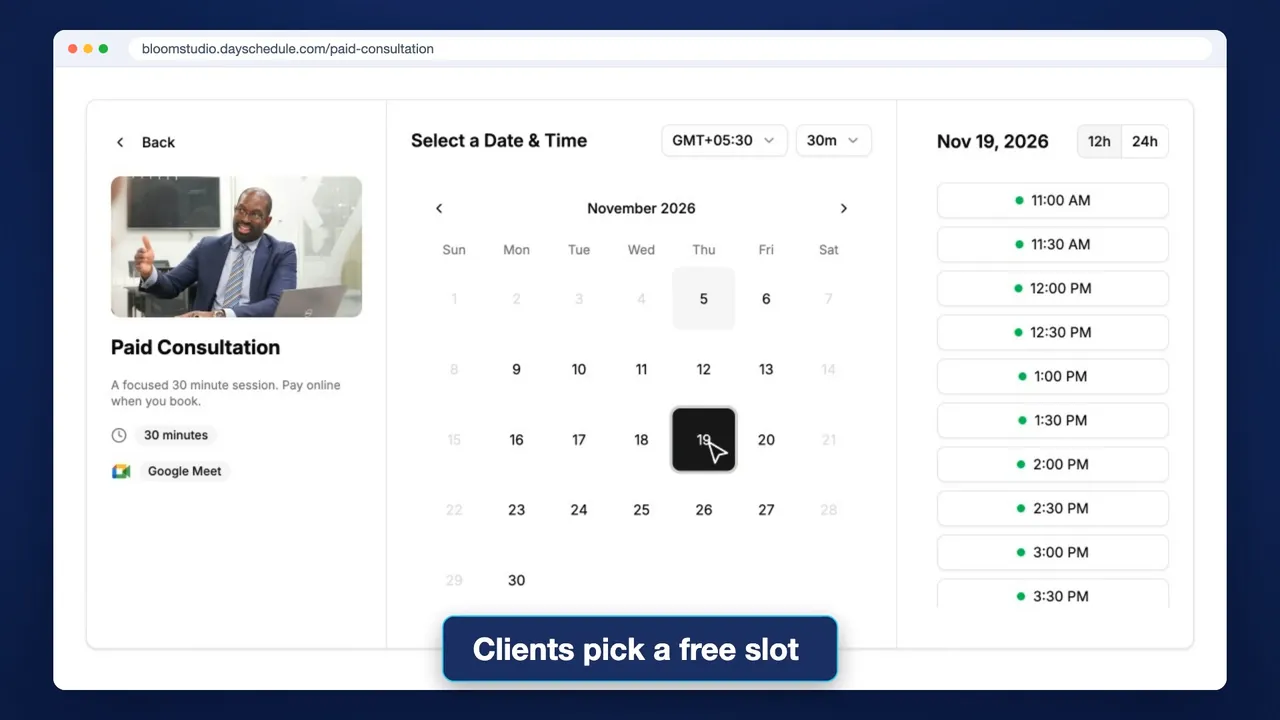 22 sec
1:1 Meeting Software
Share one link for consultations, interviews and sales calls. Clients pick a free slot and can pay when they book.
Learn morePut Your Service Menu Online
Replace your price list and phone line with one link customers can book from at any time.