New around here? Get 20% off for life!
Ending in 0d 0h 0m
Start a trial for any paid plan within 72 hours of signing up and lock in a lifetime 20% discount.

Start a trial for any paid plan within 72 hours of signing up and lock in a lifetime 20% discount.
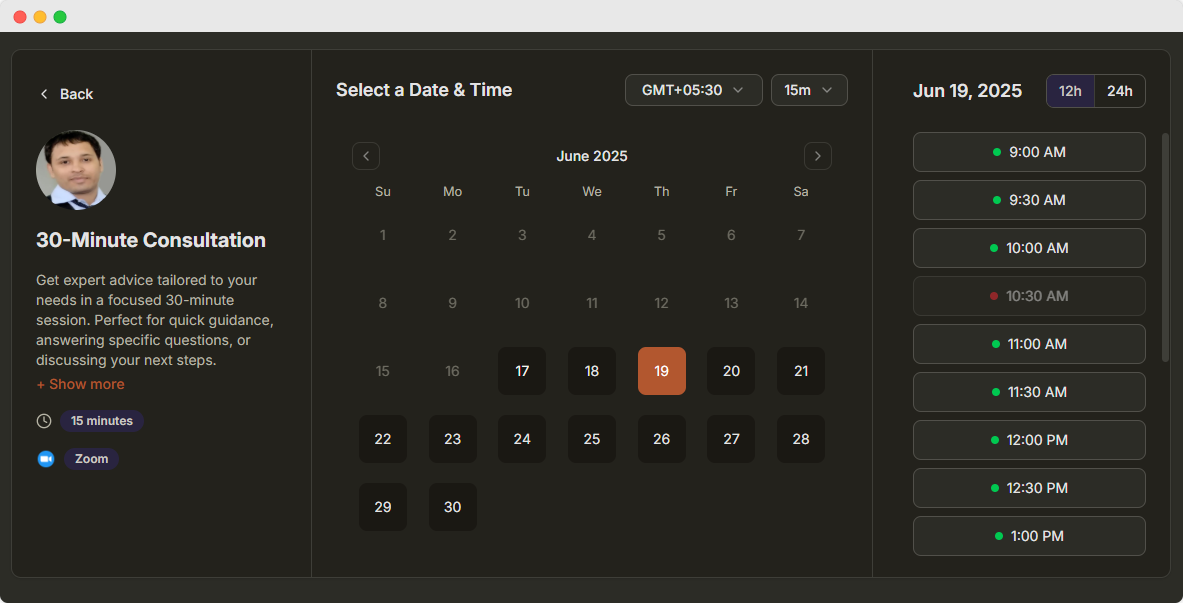
Build a time slot booking system to let customers book appointments online. Manage availability, accept payments, connect calendars, and send automatic booking reminders with DaySchedule.
Payment integration, color customization, more booking controls, and other advanced options can be added after publishing.
Yes. DaySchedule lets you collect payments when customers book a time slot. You can connect payment gateways such as Stripe, PayPal, Razorpay, Mollie, or Cashfree and charge customers before booking confirmation.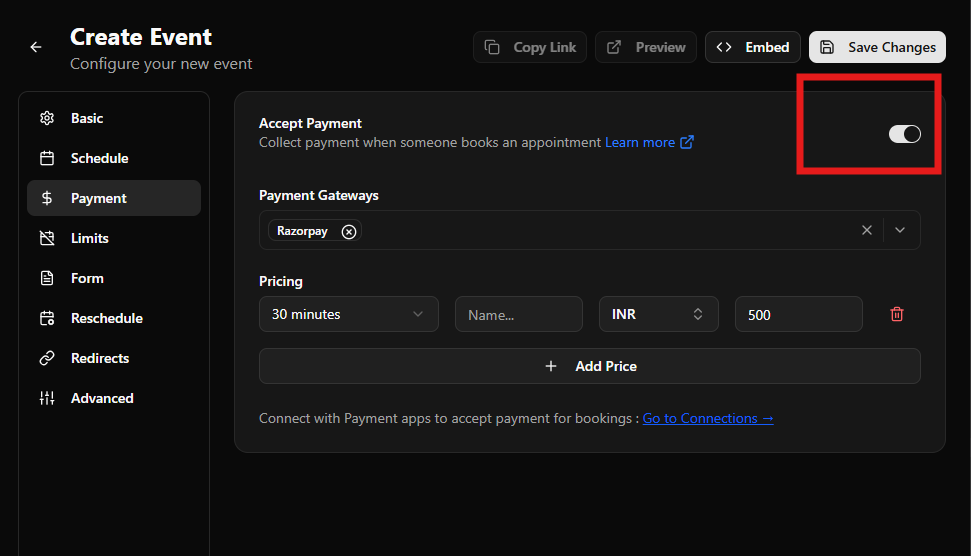
Yes. You can connect your calendar to DaySchedule to automatically sync your availability and prevent double bookings. Calendar integrations make it easy to manage appointments alongside your existing schedule.
Yes. DaySchedule can automatically send appointment reminders to customers before their scheduled time. This helps reduce missed appointments and keeps customers informed about upcoming bookings.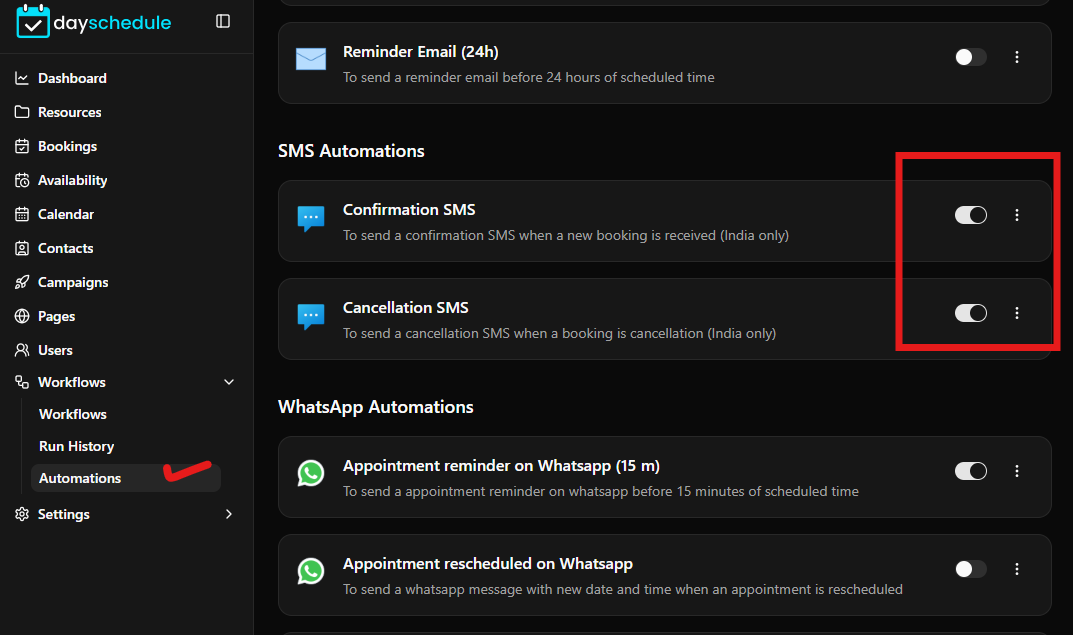
Yes. Cancellation and rescheduling are enabled by default for all appointments. You can customize these options from Event Settings > Reschedule tab to enabled/disable rescheduling and cancellation.
Start accepting bookings online with your own branded scheduling page. No coding required - set up, share your link, and get booked instantly.