
The short answer
Is DaySchedule a good Microsoft Bookings alternative?
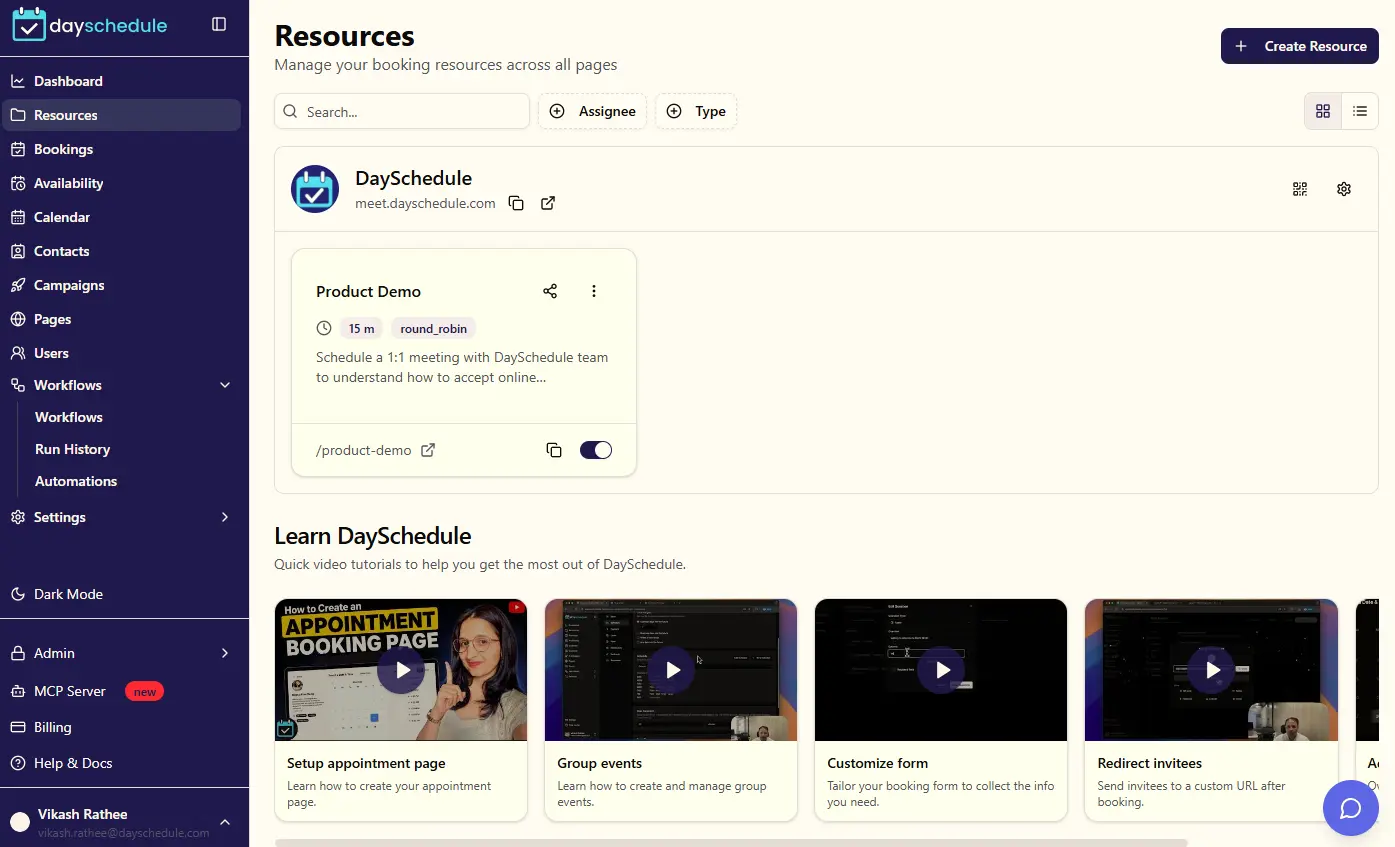
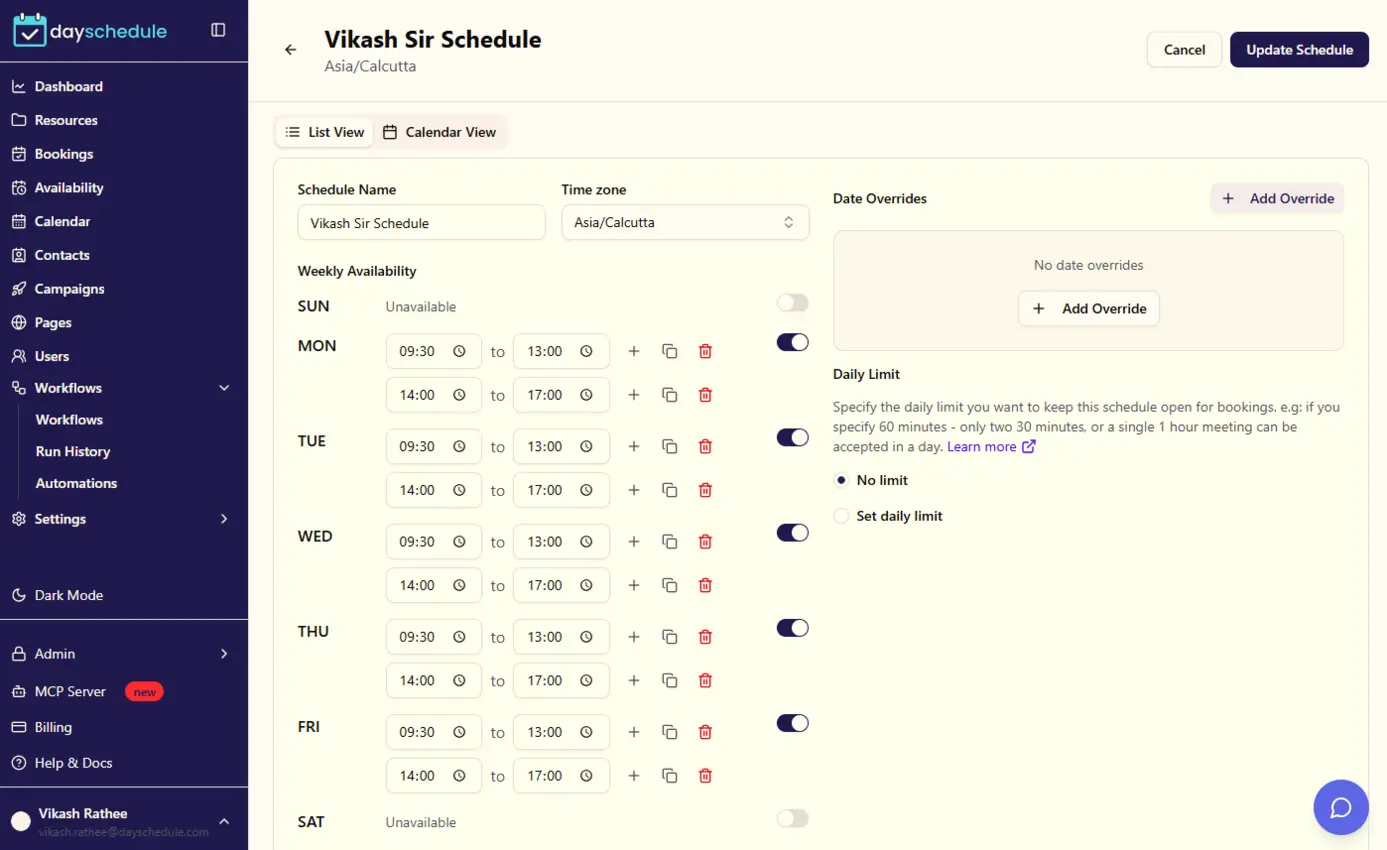
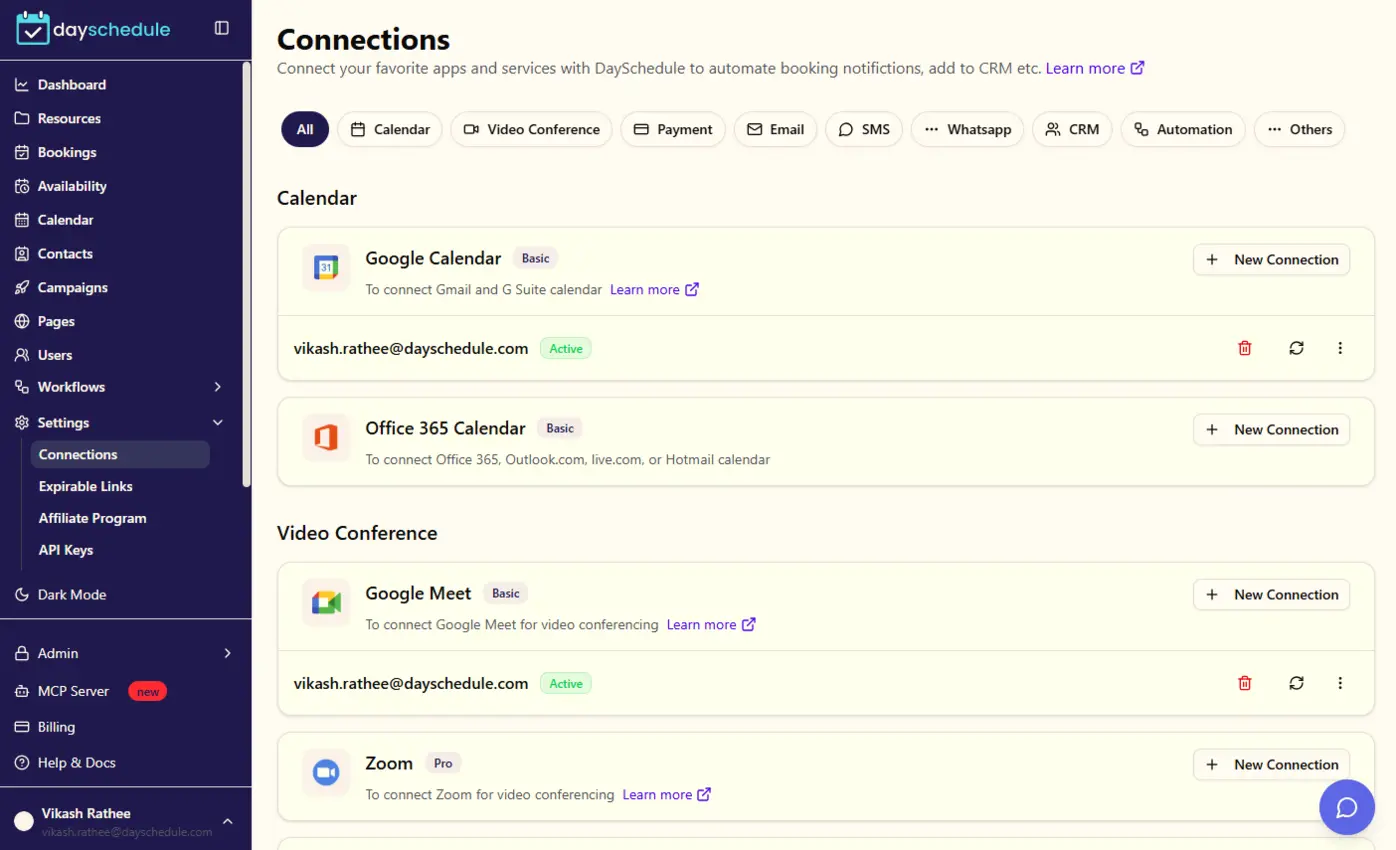
DaySchedule connects to Office 365 calendars and Microsoft Teams, and adds custom branding, payment collection, SMS and WhatsApp reminders, webinars and a public API. It works for teams on Google Workspace as well.
When Microsoft Bookings may fit better: You only need internal booking inside Microsoft 365 with no extra cost.
Why teams switch from Microsoft Bookings
- Payments at booking
- Custom branding on booking pages
- Works with Google and Microsoft calendars
- Public API and MCP server
Side-by-side
DaySchedule vs Microsoft Bookings at a glance
| Capability | DaySchedule | Microsoft Bookings |
|---|---|---|
| Starting price | $8 per user a month (Professional), $15 for Business | Included in Microsoft 365 business plans |
| Free plan | Free forever with calendar sync, video conferencing and the website widget | No free-forever plan |
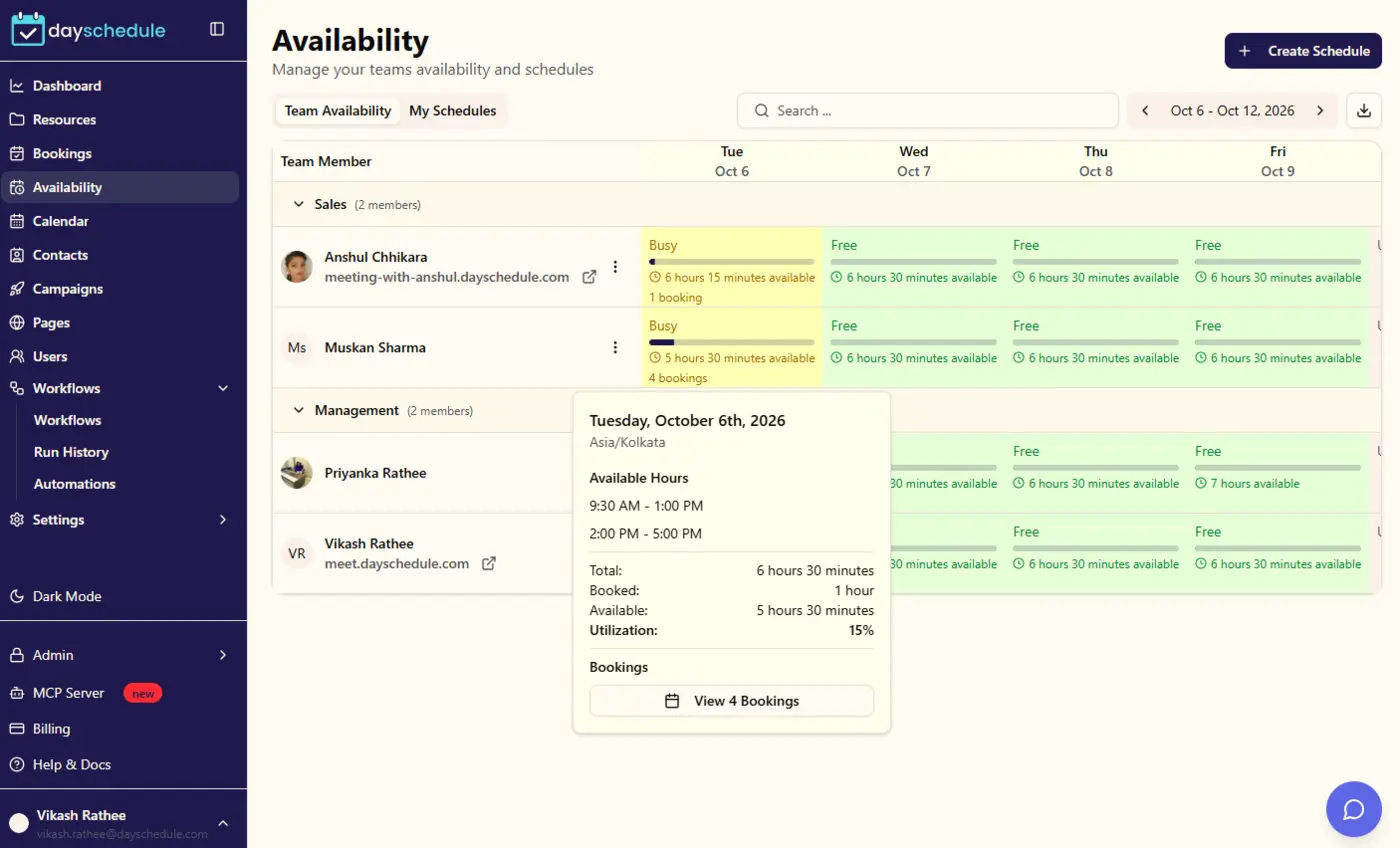
| Team scheduling | 1:1, round-robin, group bookings and webinars for teams | Mainly 1:1 scheduling |
| Payments at booking | Stripe, PayPal, Razorpay and Cashfree | Not listed |
| Reminders | Email, SMS and WhatsApp reminders with workflow automation | Automatic reminders available |
| Website embed | Widget, WordPress plugin and npm package for React, Angular and Vue | Website embed |
| API and AI agents | REST API, webhooks, Zapier and an MCP server for AI assistants | No public API listed |
Feature checklist
Microsoft Bookings features compared with DaySchedule
Microsoft Bookings details are based on its public product and pricing pages and can change. Availability and limits depend on the plan.
| Feature | DaySchedule | Microsoft Bookings |
|---|---|---|
| Free Forever planAccess to basic scheduling features without any cost, including 1:1 meetings and calendar sync. | ||
| One on one appointment schedulingSchedule individual meetings with clients, prospects, or team members with personalized booking pages. | ||
| Group bookingsAllow multiple attendees to book the same session, perfect for classes, workshops, and group events. | ||
| Round robin eventsAutomatically distribute meetings among team members to balance workload and maximize efficiency. | ||
| WebinarHost and manage online webinars and virtual events with registration and attendance tracking. | ||
| Service bookingsManage service-based appointments with duration, pricing, and resource allocation. | ||
| Free CRM for contacts managmentBuilt-in customer relationship management system to track leads, contacts, and customer interactions. | ||
| Zoom integrationAutomatically create Zoom meeting links for virtual appointments and calendar integration. | ||
| Google Calendar integrationTwo-way sync with Google Calendar to prevent double bookings and keep schedules updated. | ||
| Google Meet integrationGenerate Google Meet links automatically for virtual meetings with calendar integration. | ||
| Unlimited appointmentsNo restrictions on the number of appointments you can schedule or manage. | ||
| Unlimited scheduling pagesCreate as many different booking pages as needed for various services or team members. | ||
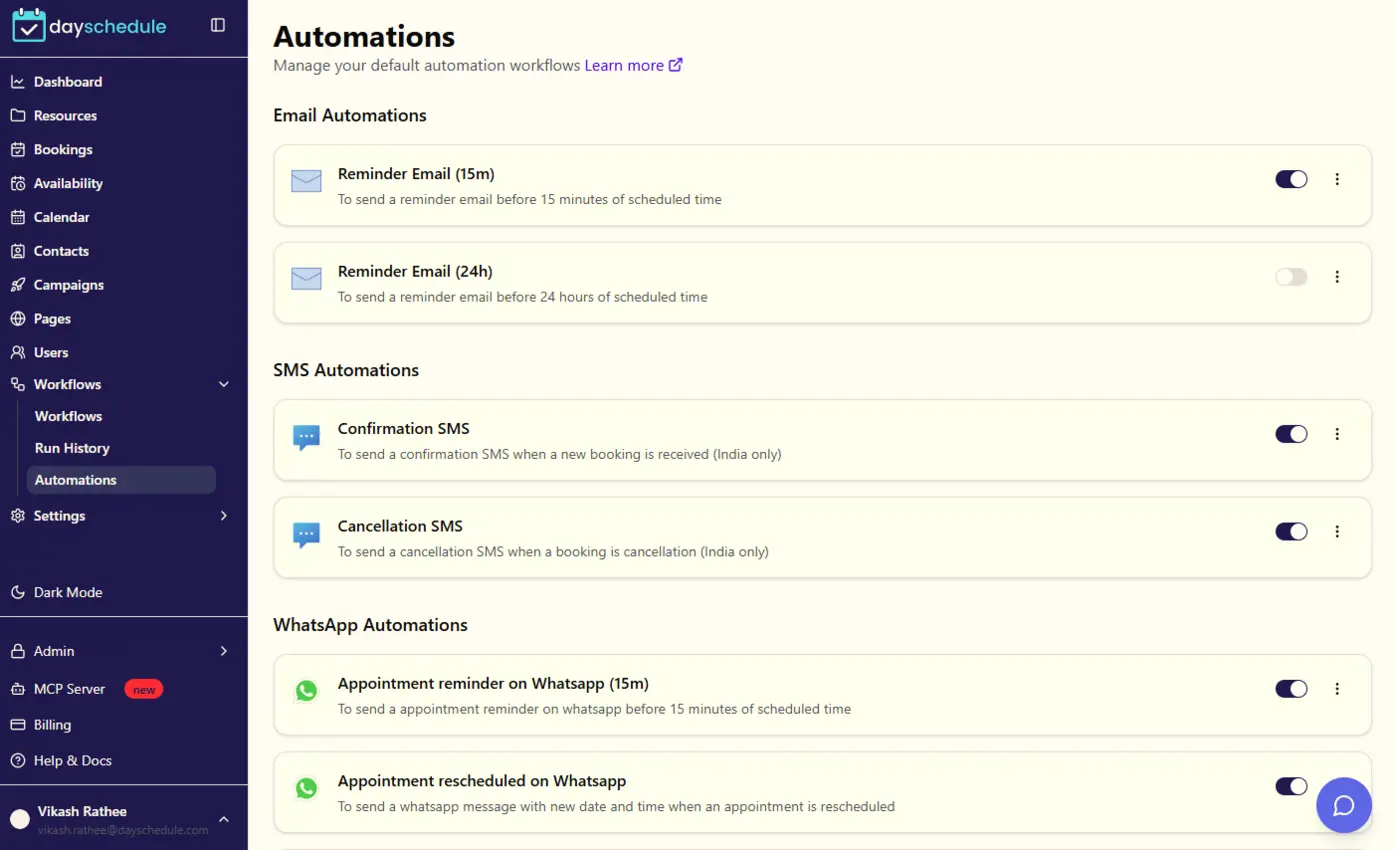
| Automatic reminders and booking notificationsSend automated email, SMS, and WhatsApp reminders to reduce no-shows and keep everyone informed. | ||
| Automatic time zone adjustmentAutomatically detect and adjust for different time zones to prevent scheduling conflicts. | ||
| Custom questions fieldsAdd custom form fields to collect specific information from attendees during booking. | ||
| Custom design & brandingCustomize booking pages with your brand colors, logo, and styling to match your business. | ||
| Offer multiple duration lengths for each linkAllow attendees to choose from different meeting durations on the same booking page. | ||
| Supports Spanish, French, Portuguese, Dutch, ...Multi-language support for international businesses and global teams. | ||
| Embeddable directly to websiteEmbed scheduling widgets directly into your website with customizable appearance. | ||
| NPM package/widget to install on React, Angular, Vue.jsDeveloper-friendly NPM package for easy integration into modern web applications. | ||
| Wordpress pluginOfficial WordPress plugin for easy integration with WordPress websites. | ||
| Real-time calendar availabilityShow real-time availability based on connected calendars to prevent double bookings. | ||
| Chrome extensionBrowser extension for quick access to scheduling features and calendar management. | ||
| Redirect invitee to website upon bookingAutomatically redirect attendees to a custom URL after successful booking completion. | ||
| Fully optimized for all devicesResponsive design that works perfectly on desktop, tablet, and mobile devices. | ||
| Looks great to customersProfessional, modern interface that creates a great impression with your clients. | ||
| 24/7 online supportRound-the-clock customer support available via chat, email, and phone. | ||
| API accessComprehensive REST API for custom integrations and advanced automation. | ||
| Videos tutorialsComprehensive video library covering all features and use cases. | ||
| Payment integrationAccept payments through Stripe, PayPal, Razorpay, and other popular payment gateways. |
Cost
Microsoft Bookings pricing vs DaySchedule pricing
DaySchedule
$8 /user/month
Free forever plan. Business at $15 adds webinars, services, CRM and routing forms.
Microsoft Bookings
Included in Microsoft 365 business plans
Starting price on Microsoft Bookings’s pricing page.
For developers and AI
Connect scheduling to your apps and AI agents
Moving from Microsoft Bookings is also a chance to automate more. API access is included from the Professional plan, and the MCP server lets AI assistants book on your behalf.
Migration
How to switch from Microsoft Bookings to DaySchedule
- 1Create a free DaySchedule account and connect Google Calendar or Outlook.
- 2Connect Office 365 calendars and enable Microsoft Teams for video meetings.
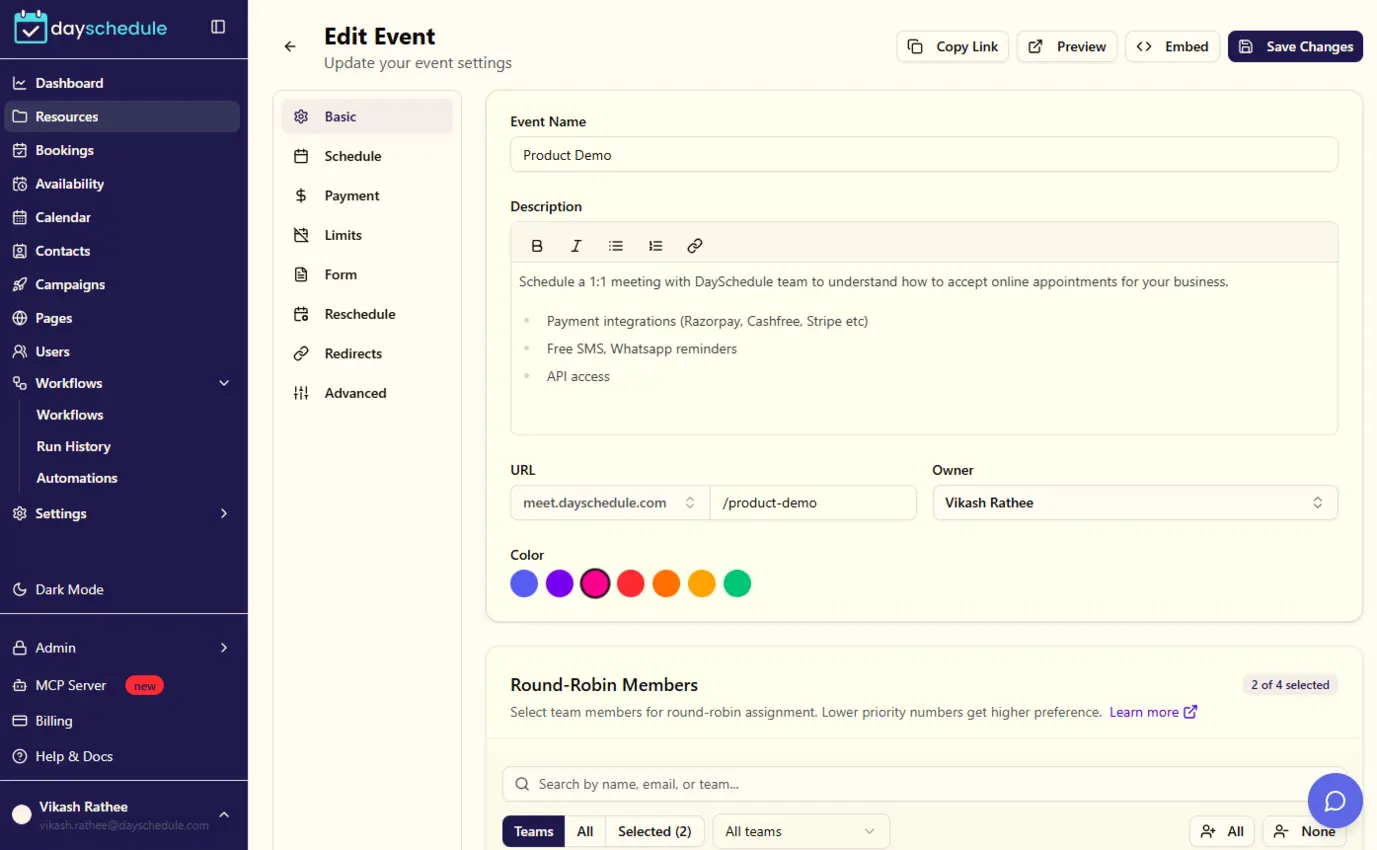
- 3Recreate Bookings services as DaySchedule event types.
FAQ
Microsoft Bookings alternative: frequently asked questions
Is DaySchedule a good Microsoft Bookings alternative?
DaySchedule connects to Office 365 calendars and Microsoft Teams, and adds custom branding, payment collection, SMS and WhatsApp reminders, webinars and a public API. It works for teams on Google Workspace as well. Microsoft Bookings may still be the better fit if you only need internal booking inside Microsoft 365 with no extra cost.
How does DaySchedule pricing compare to Microsoft Bookings?
Microsoft Bookings pricing: Included in Microsoft 365 business plans. DaySchedule has a free-forever plan, and paid plans start at $8 per user a month with round-robin, group bookings, payments, reminders and API access.
See DaySchedule pricingIs there a free alternative to Microsoft Bookings?
Yes. DaySchedule has a free-forever plan with calendar sync, video conferencing, a personalized booking link and the embeddable website widget. Upgrade only when you need team scheduling, payments or automation.
Create a free accountDoes DaySchedule have an API and an MCP server?
Yes. The DaySchedule REST API lets you manage events, availability and bookings from your own app, and webhooks notify your systems about new bookings. The DaySchedule MCP server lets AI assistants and agents check availability and book appointments.
Read the API referenceCan I accept payments and send WhatsApp reminders?
Yes. Collect payments at the time of booking with Stripe, PayPal, Razorpay or Cashfree, and send automatic email, SMS and WhatsApp reminders before each appointment to reduce no-shows.
Payment integrationsHow do I switch from Microsoft Bookings to DaySchedule?
Connect Office 365 calendars and enable Microsoft Teams for video meetings. Recreate Bookings services as DaySchedule event types.
Talk to our teamThe information on this Microsoft Bookings alternative page is based on publicly available product pages and user reviews. Features and pricing change over time, so check Microsoft Bookings directly before you decide. Last updated on 2023-10-04.