
There are two ways to send SMS. The built-in SMS automations work out of the box, but only for Indian phone numbers. For any other country, or to send from your own sender ID, connect Twilio or MSG91 and send the messages from a workflow.
Either way, invitees need to give a phone number. Add a phone field to the booking form and make it required.
Built-in SMS for India
Open Workflows, then Automations, and switch on Confirmation SMS, Cancellation SMS or both. They're sent from DaySchedule's registered sender to Indian numbers. Automations are part of the paid plans. See Reminders.
Connect your SMS provider
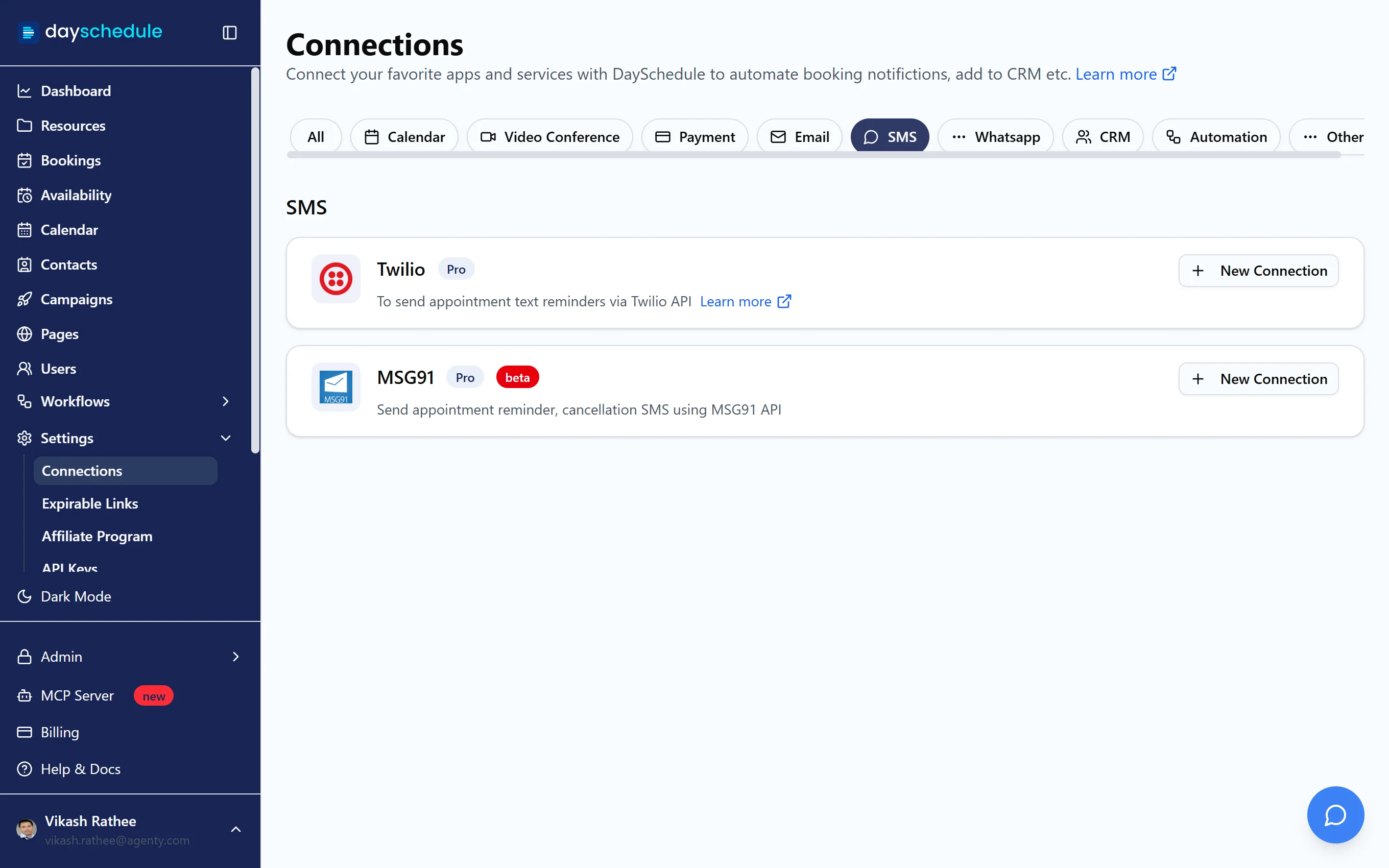
Open Settings, then Connections, and select SMS. Click New Connection on your provider and enter its details:
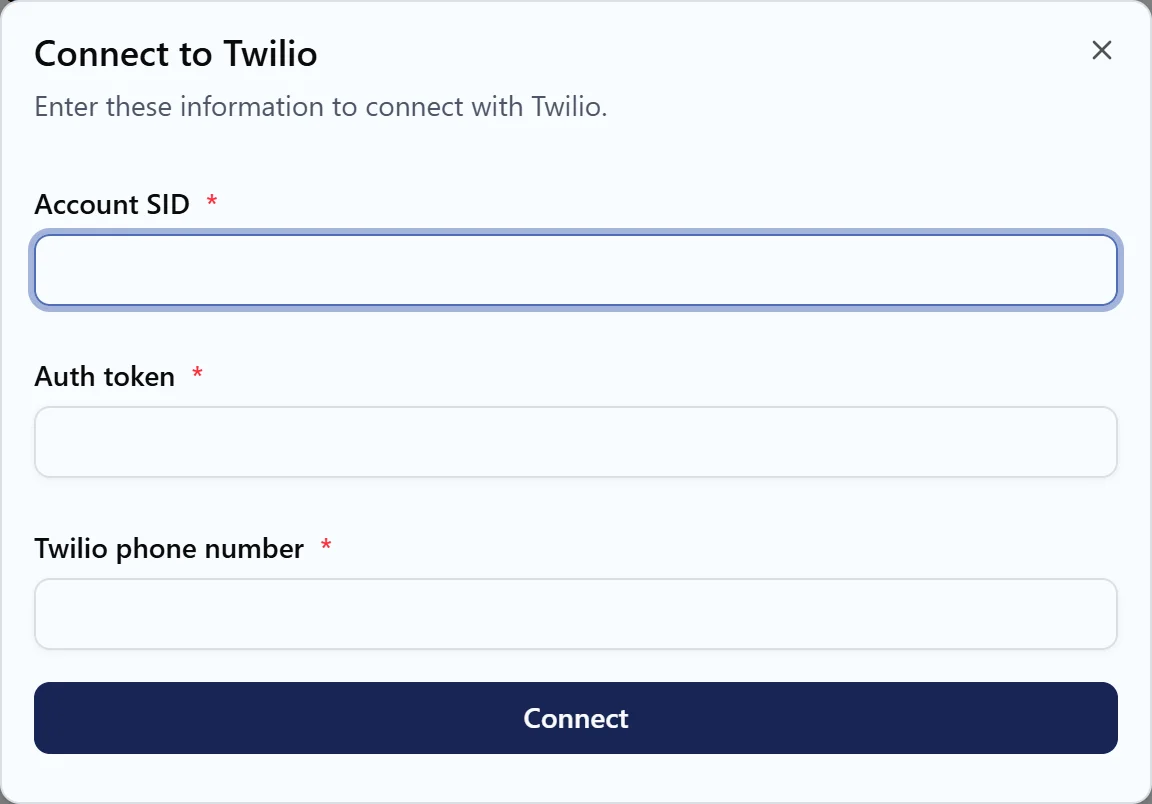
- Twilio asks for the Account SID, Auth token and Twilio phone number. All three are under Account Info in the Twilio Console.
- MSG91, in beta, asks for an Access Token from your MSG91 account.
Both need the Pro plan.
Send a reminder from a workflow
- Open Workflows and click Create Workflow.
- Enter a Name, such as "SMS reminder 2 hours before", and choose the resources.
- Under Trigger, choose Before Event and set 2 hours. For a confirmation, choose Event Scheduled and turn on Run immediately.
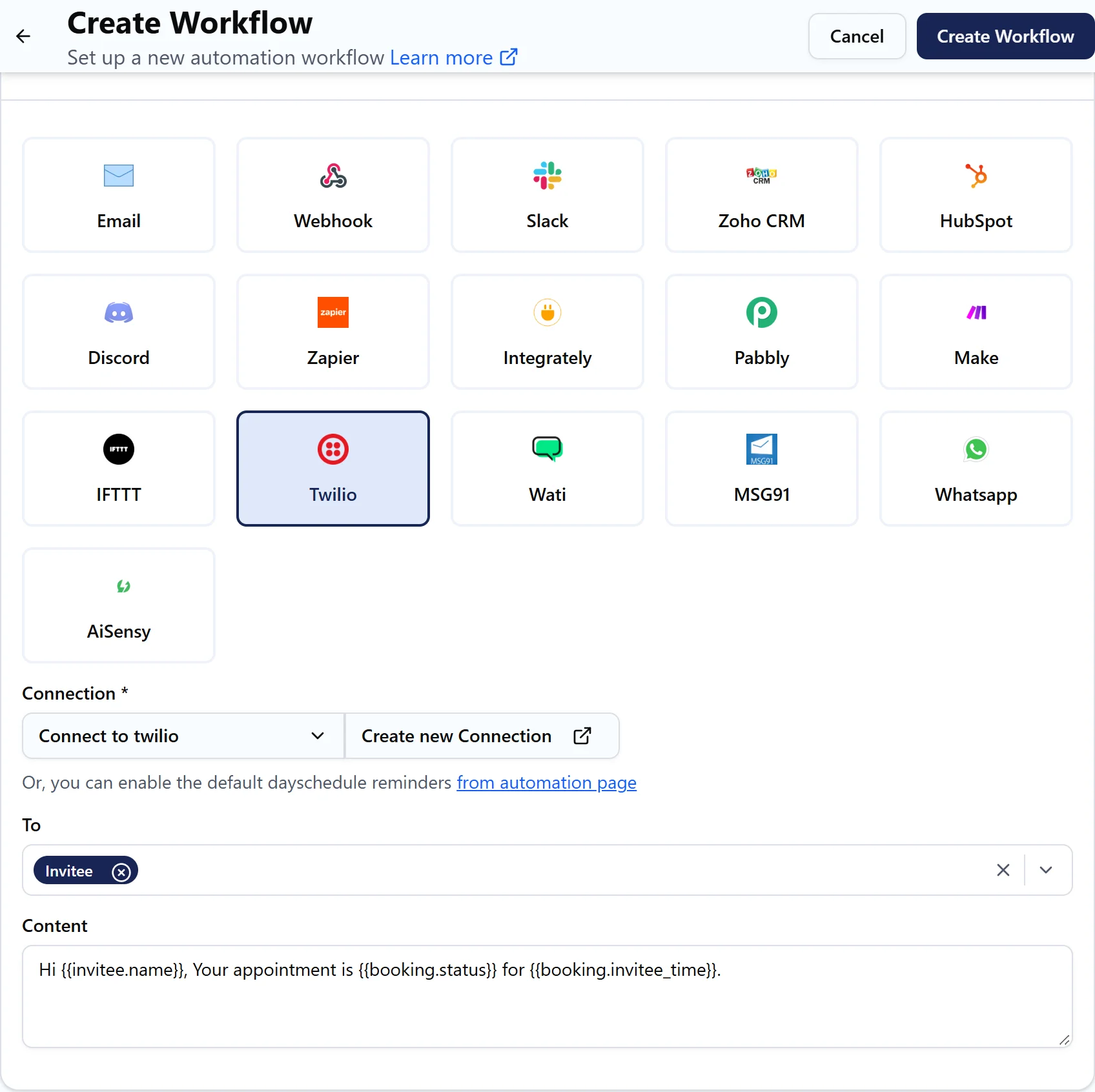
- Under the action, select Twilio (or MSG91) and pick your connection.
- Under To, choose Invitee, Host or both.
- Write the message in Content, for example:
Hi {{invitee.name}}, reminder: your appointment is at {{booking.invitee_time}}. Join here: {{booking.location.join_url}}
- Click Test run, then Create Workflow.
To text the host, DaySchedule uses the phone number in their profile. Add it with the country code on the My Profile tab of Settings.
MSG91 templates
MSG91 sends approved templates, so the Content is JSON with your template_id and the values for the template's variables. The default content shows the format. Replace the template ID and map var1, var2 to variables such as {{invitee.name}}.
Regulations
Many countries only allow pre-registered templates or sender IDs. In India, SMS must use a DLT-approved template and sender. In the US, Twilio requires A2P 10DLC registration for business texting. Register with your provider first, or messages may be blocked.
Check delivery
Open Workflows, then Run History, and click a job to see its log with the number it was sent to and any error from the provider. Your provider's own logs, such as Monitor, then Logs in Twilio, show the final delivery status.