
A group event lets several invitees book the same time slot until it's full. Use it for fitness classes, workshops, group coaching, campus tours or any session with more than one attendee. Everyone who books the same slot joins one booking, so you see the full attendee list in one place.
Create a group event
- Open Resources and click Create Resource.
- Under Appointments, choose Group.
- Fill in the Basic tab the same way as a one-on-one event: name, description, URL, owner and location.
- Open the Limits tab and set the number of seats per slot.
- Click Save Changes.
Group events are a premium resource type. See plans and billing.
Set the seats per time slot
On the Limits tab, Limit Bookings sets the maximum number of invitees per slot. A new group event starts with 10 seats Per Slot. When a slot is full, it's no longer offered on the booking page.
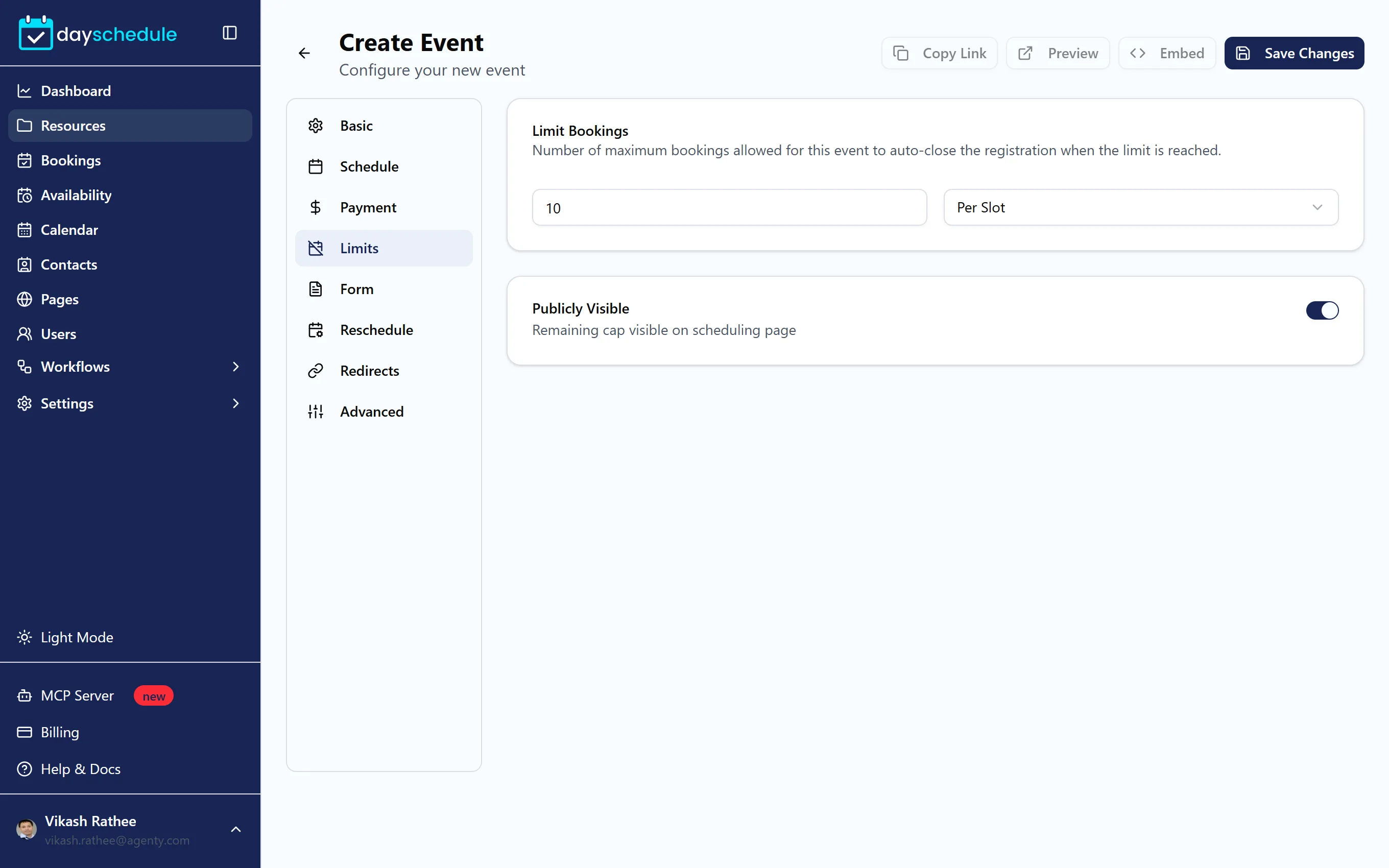
Turn on Publicly Visible to show the remaining seats next to each time on the booking page, such as "4 spots left". Seeing that a class is nearly full often gets people to book sooner.
Give some time slots more or fewer seats
A Saturday class might fit 20 people while the weekday ones fit 10. In the schedule the event uses, open Availability, then the schedule, and set the number of spots on a specific time slot. That number overrides the event's per-slot limit for that slot only. It applies to group events. See Set working hours and date overrides.
Manage attendees
Each group slot is one booking with several invitees. Open it from Bookings to:
- See every attendee, their answers and payment details.
- Add Invitee to register someone yourself.
- Change one invitee's status to confirmed, canceled or no-show without affecting the others. See cancel one invitee from a group booking.
- Download the attendee list.
The booking details guide covers every action. For events with on-site check-in, see event registration, attendance and check-in.
Charge per seat
Add a price on the Payment tab and each invitee pays for their own seat when they book. See Accept payments for bookings. Let invitees bring guests by turning on Allow Guests on the Advanced tab.
Group event or webinar?
Use a group event when sessions repeat on your regular schedule, such as a class every weekday at 7 AM. Use a webinar for a fixed date and time with hosts and speakers, such as a product launch or a monthly training.